
Contraction Timer
Contraction Timer & Kick Count
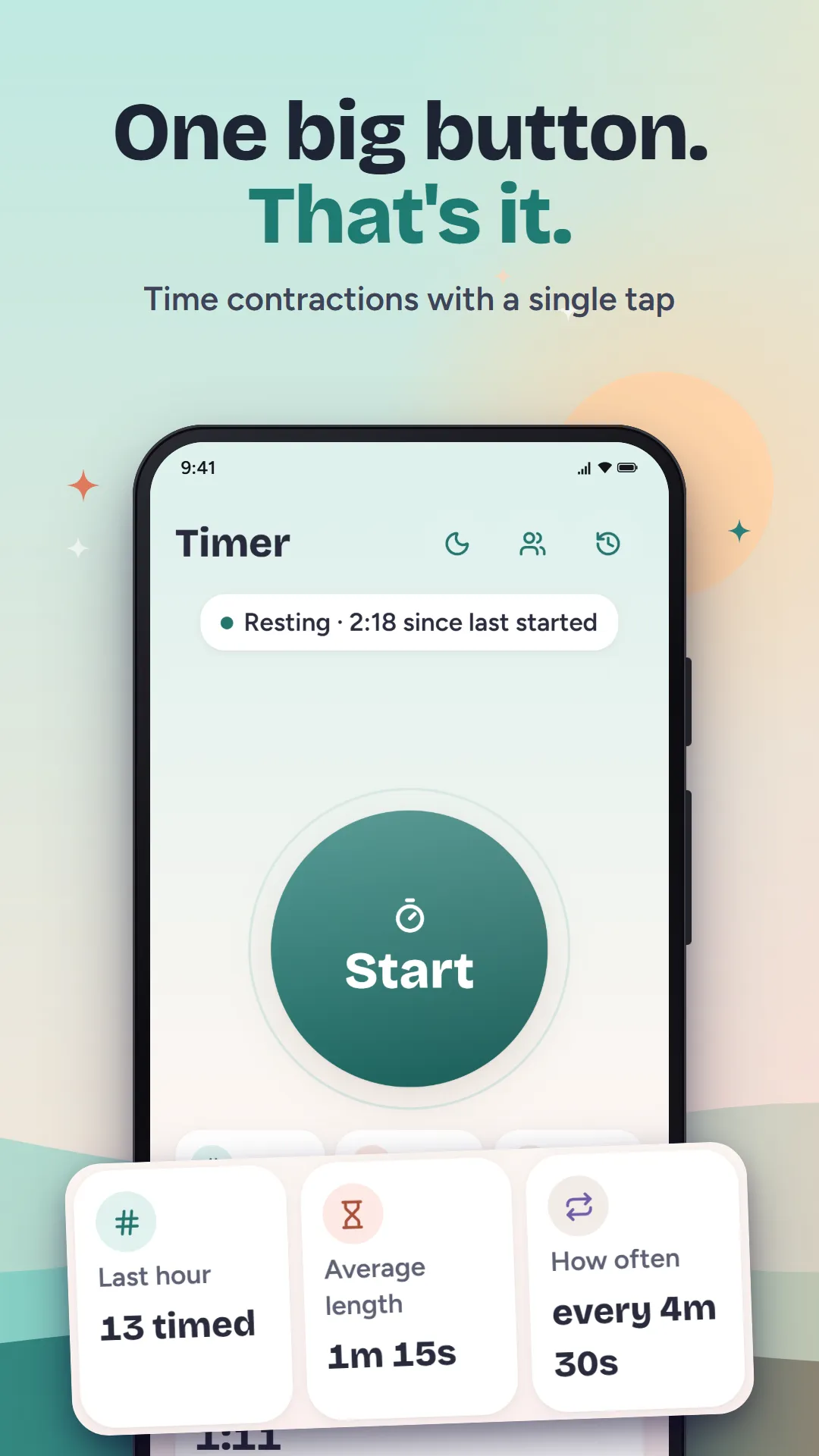
One big button to time contractions, a gentle note when your last hour matches the pattern your provider gave you, and a clear summary to send to your midwife. Everything stays on your phone.
Coming soon to Google Play
- Category
- Parenting
- For
- Adults (18+)
- Price
- Free, with ads
- Account
- Not needed
- Internet
- Not needed
Screenshots
What it does
Contraction timer
- Tap when a contraction starts, tap again when it ends
- Duration, interval and one-hour averages, live
- Keeps timing if you lock the phone or close the app
- The screen stays awake while you time
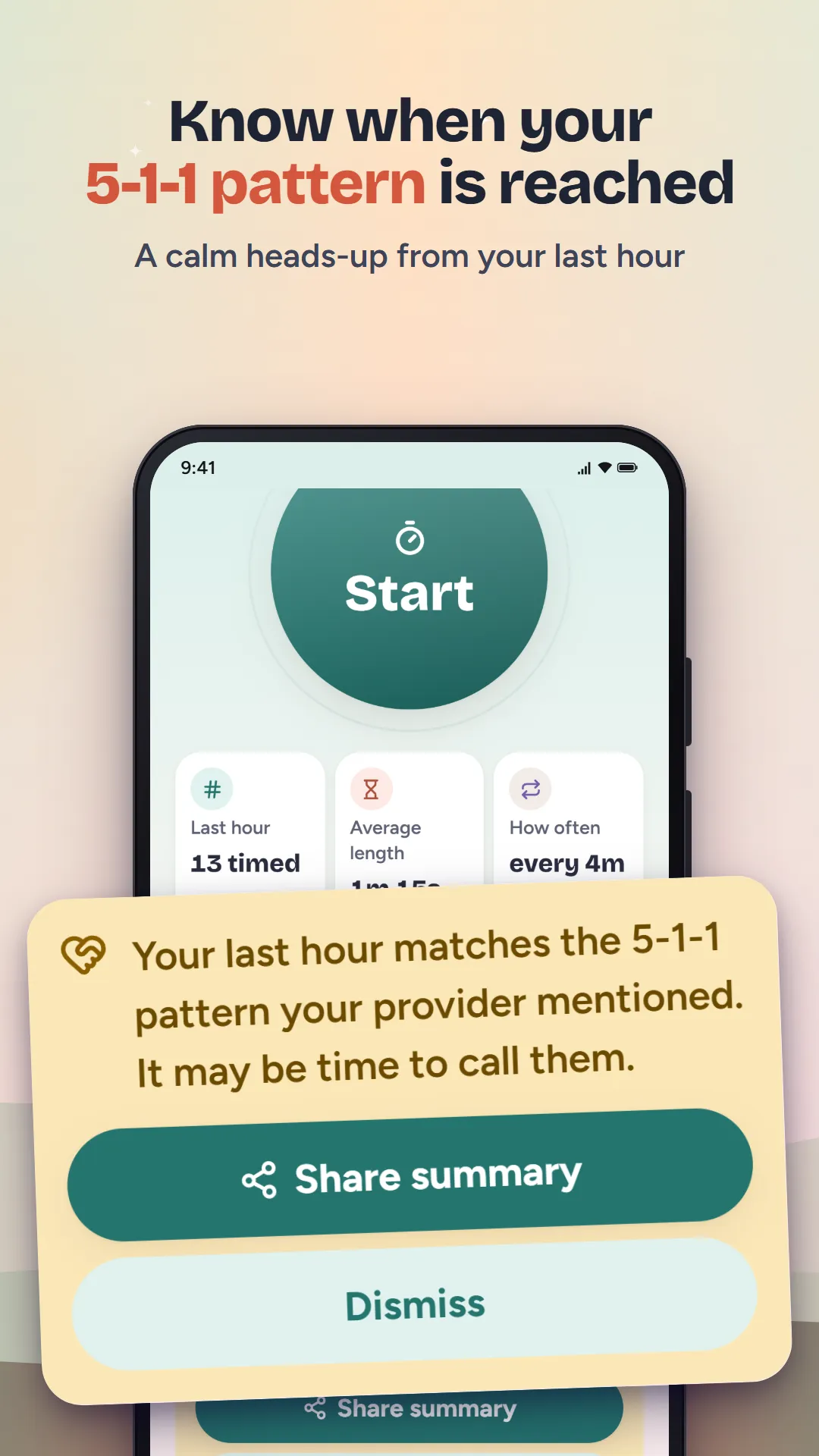
Pattern note (5-1-1, 4-1-1, 3-1-1)
- Pick the rule your provider recommended, or set your own
- A calm message when your last hour matches it
- No diagnosis: the app shows numbers, your provider decides
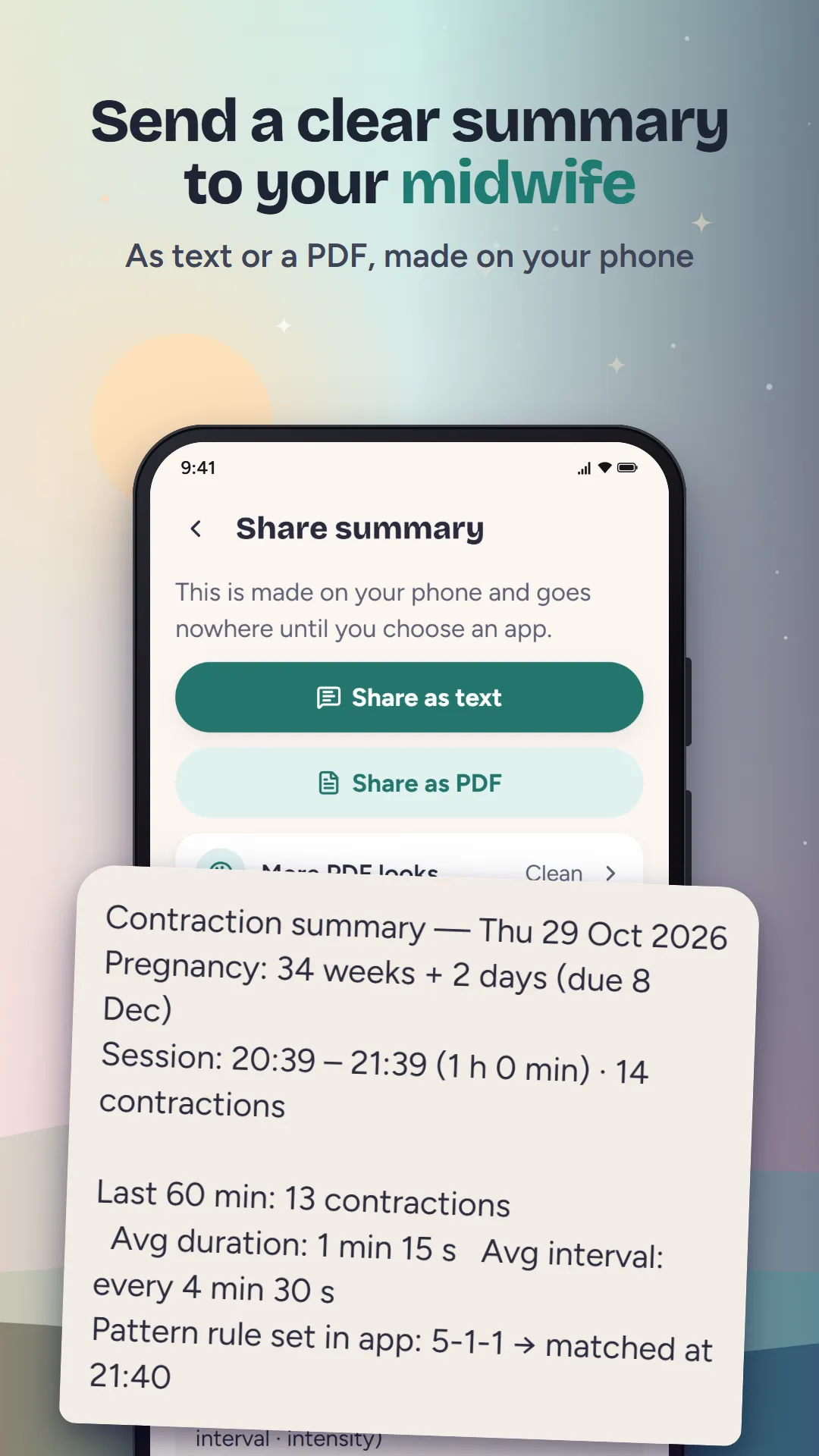
Share with your midwife
- A text summary or a PDF, made on your phone
- Send it by message or email in a few taps
Kick counter
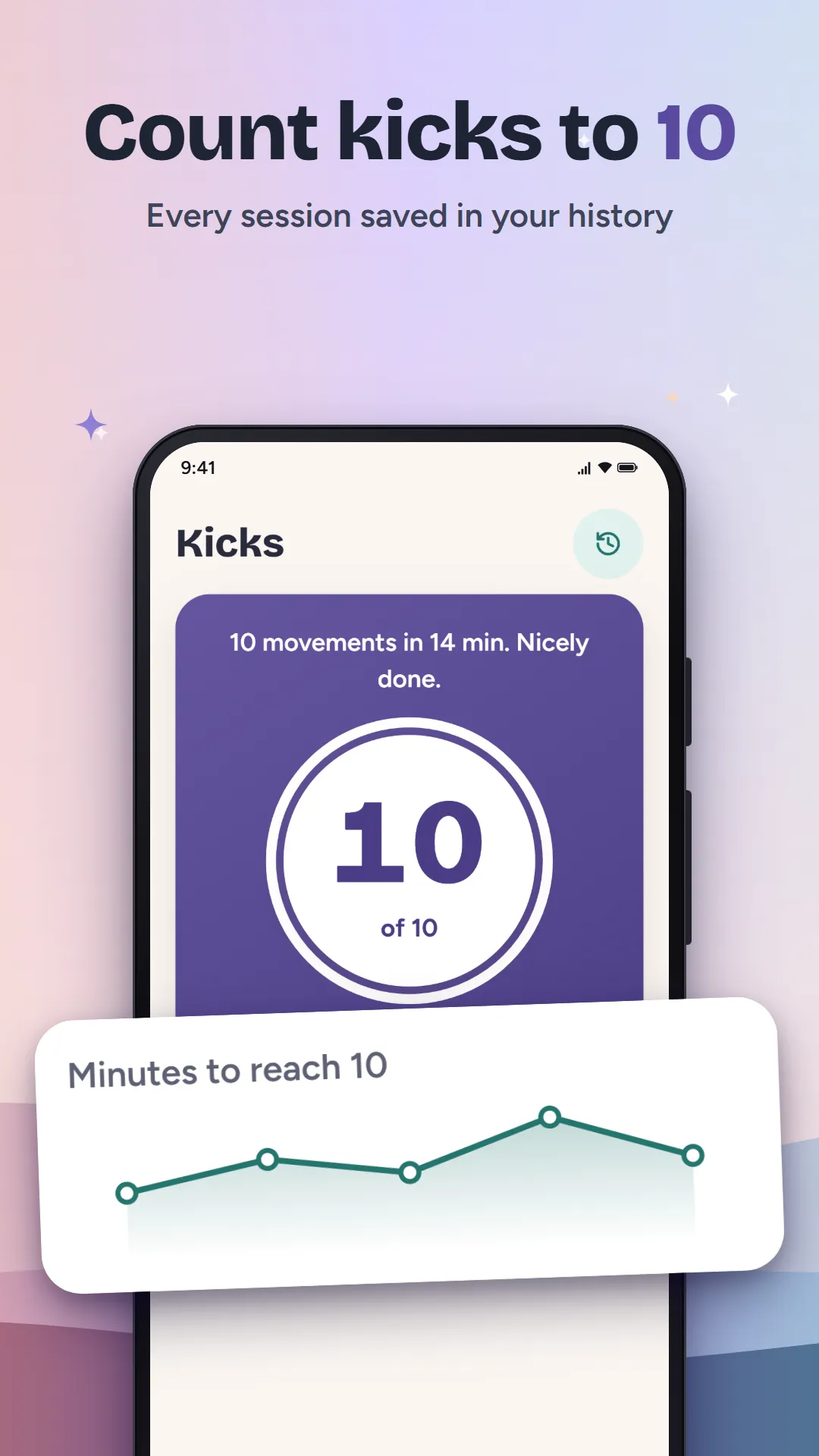
- Count to 10 movements and see how long it took
- A history of every session
- An optional daily reminder
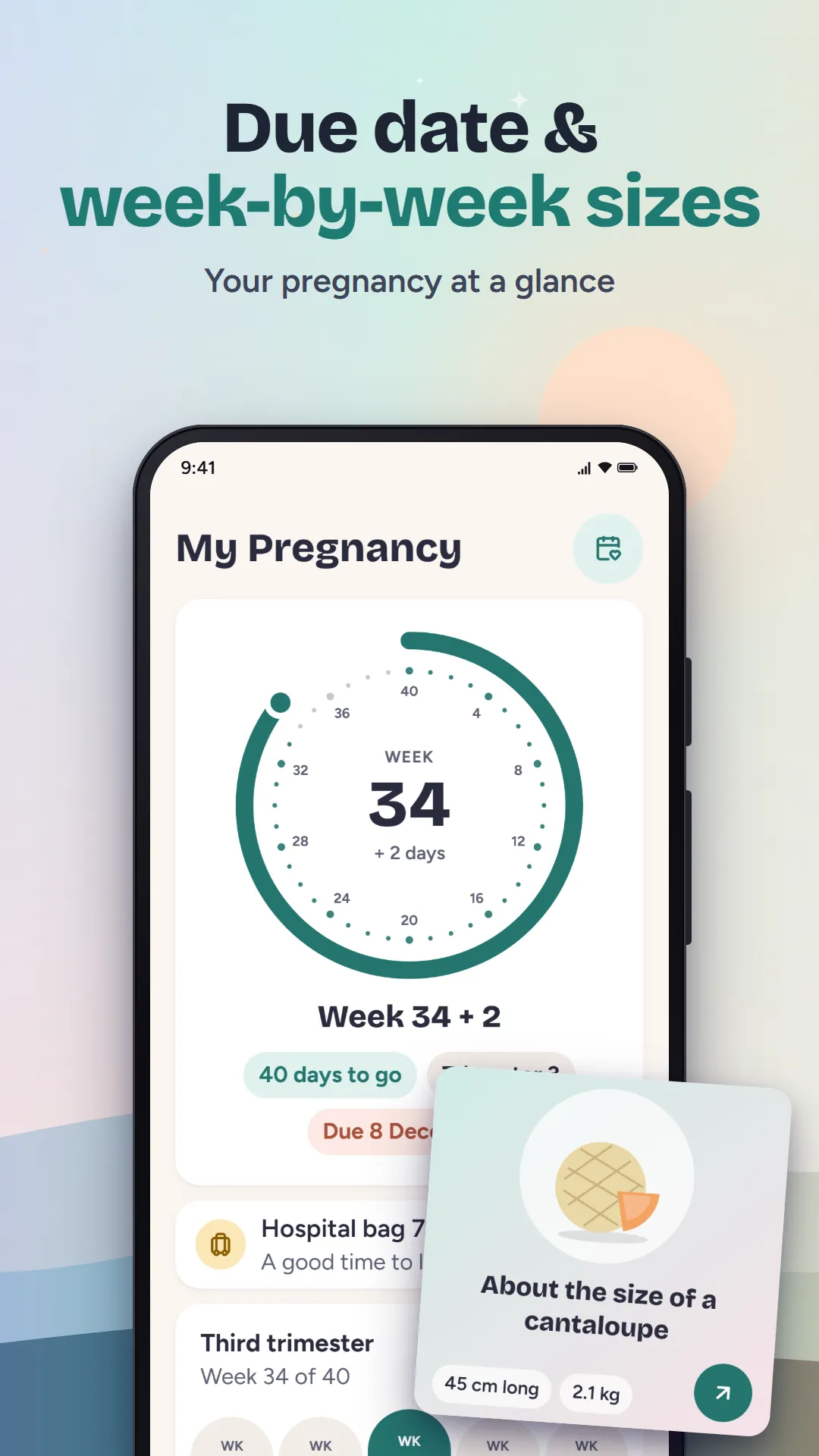
Due date and weeks
- From your last period, conception or IVF transfer date
- Week-by-week size cards
For the big day
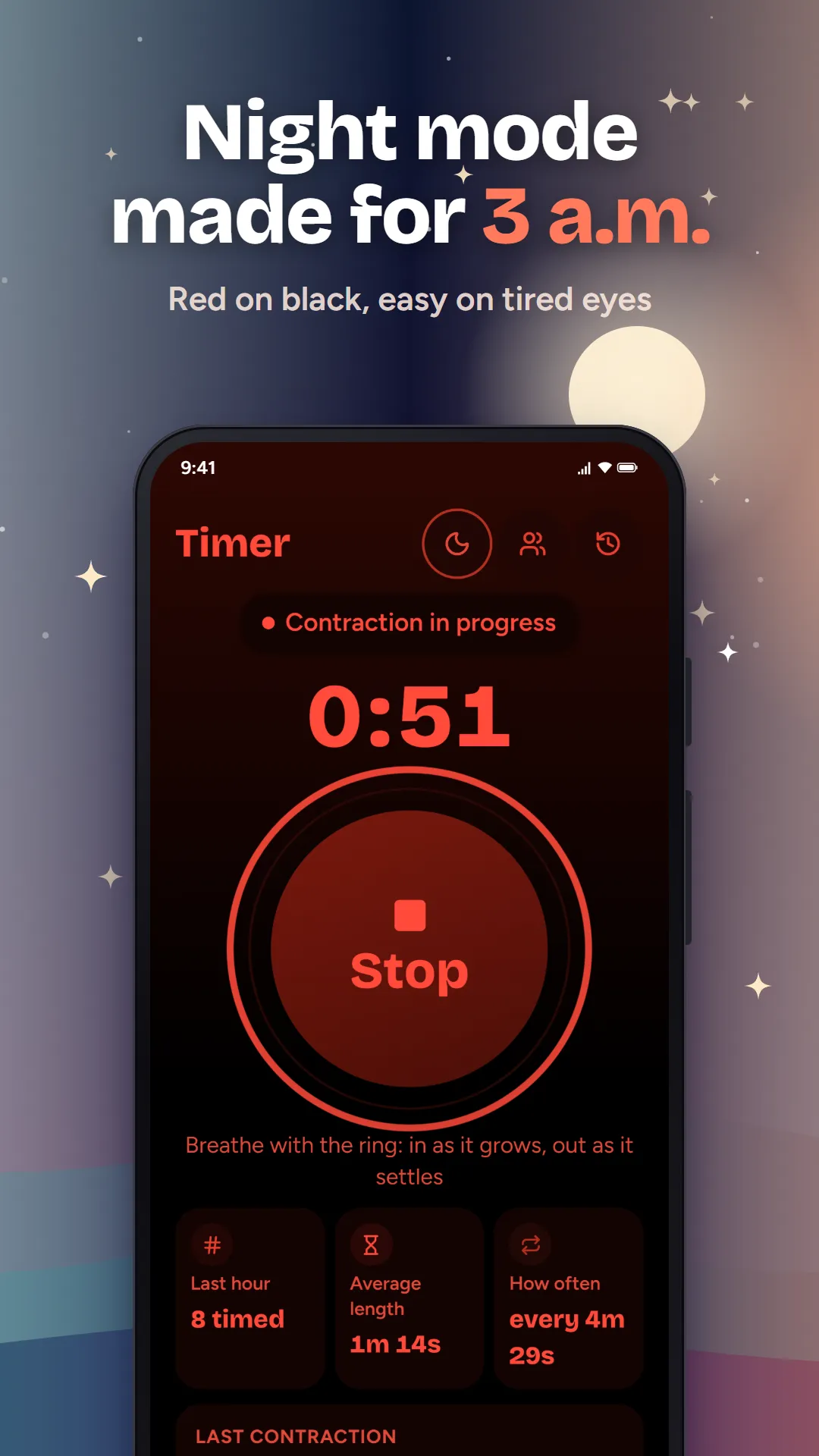
- Night mode in red on black
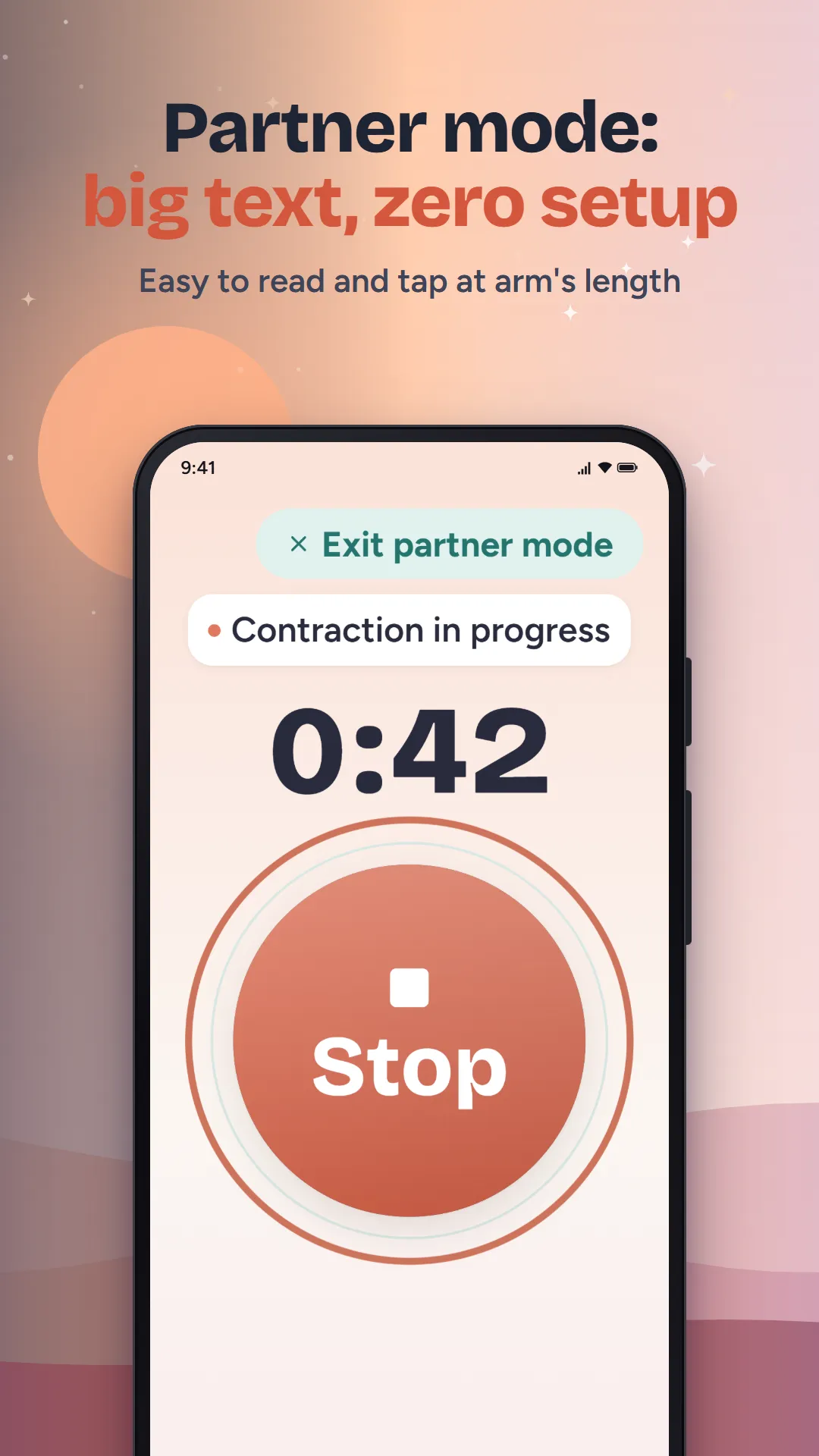
- Partner mode with extra-large text
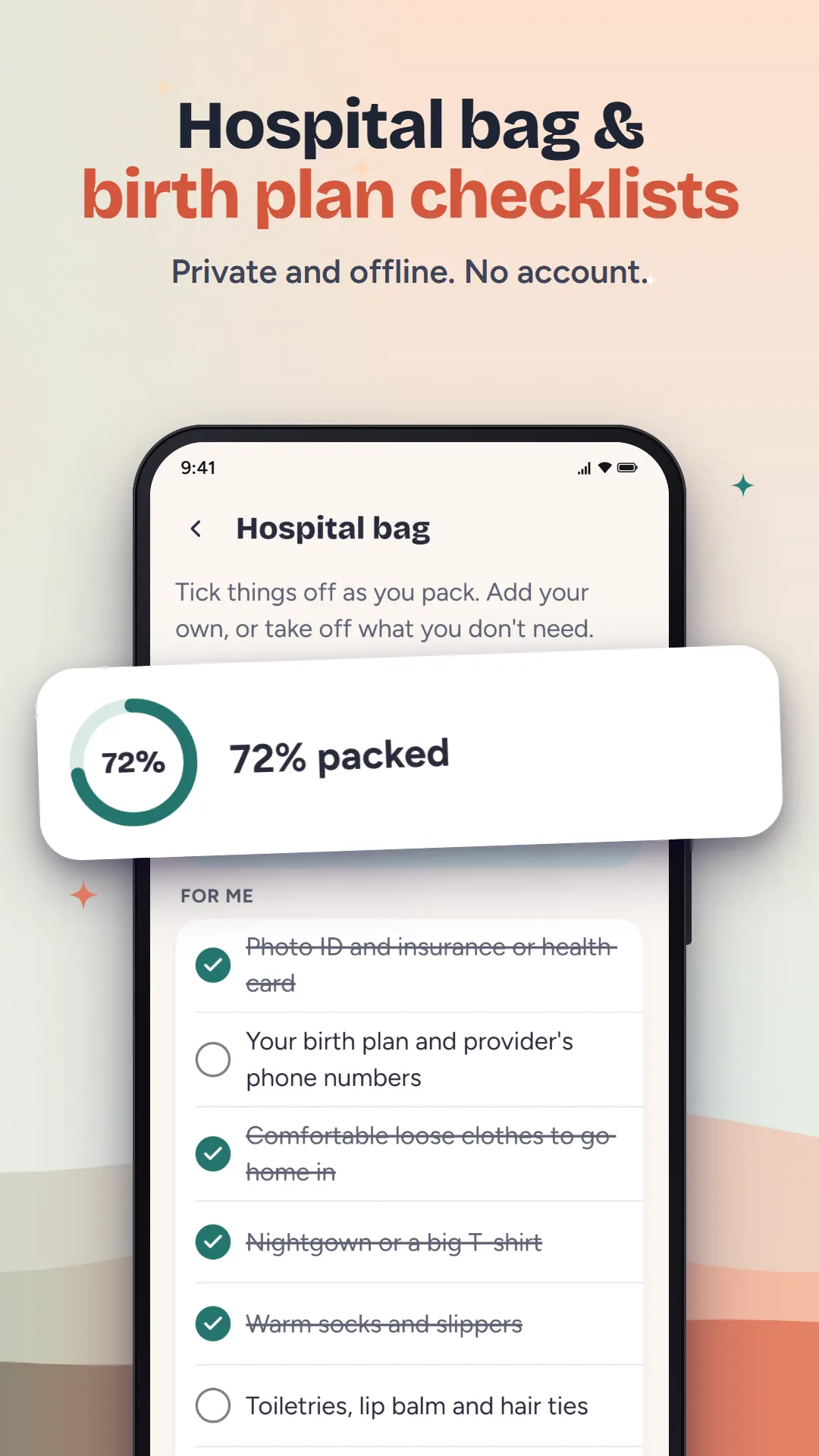
- Hospital bag and birth plan checklists
Contraction Timer & Kick Count is not a medical device and does not give medical advice. Always follow your midwife’s, doctor’s or hospital’s guidance, and contact them or emergency services if you are worried.
Your privacy
- No account, no sign-in and no developer server.
- Your contractions, kicks and due date stay on your phone. Android backup is turned off for this app.
- Google AdMob shows ads and collects device data to do it, never your health entries. No ads on the Timer or Kicks screens.
Help
Will the timer keep going if I lock my phone?
Yes. The session is saved as you go. Lock the phone or close the app and the timer picks up where it left off when you come back.
Can my partner use it?
Yes. Turn on Partner mode for extra-large text and buttons, then hand them the phone. It uses the same data, so there is nothing to set up.
How do I delete everything?
Open More, then Delete all data. The app goes back to the first screen with nothing left. Uninstalling also removes everything.
Still stuck? Email tahaimran.24@gmail.com with your phone model and Android version.


