
Habits
Habit Tracker: Streak & Widget
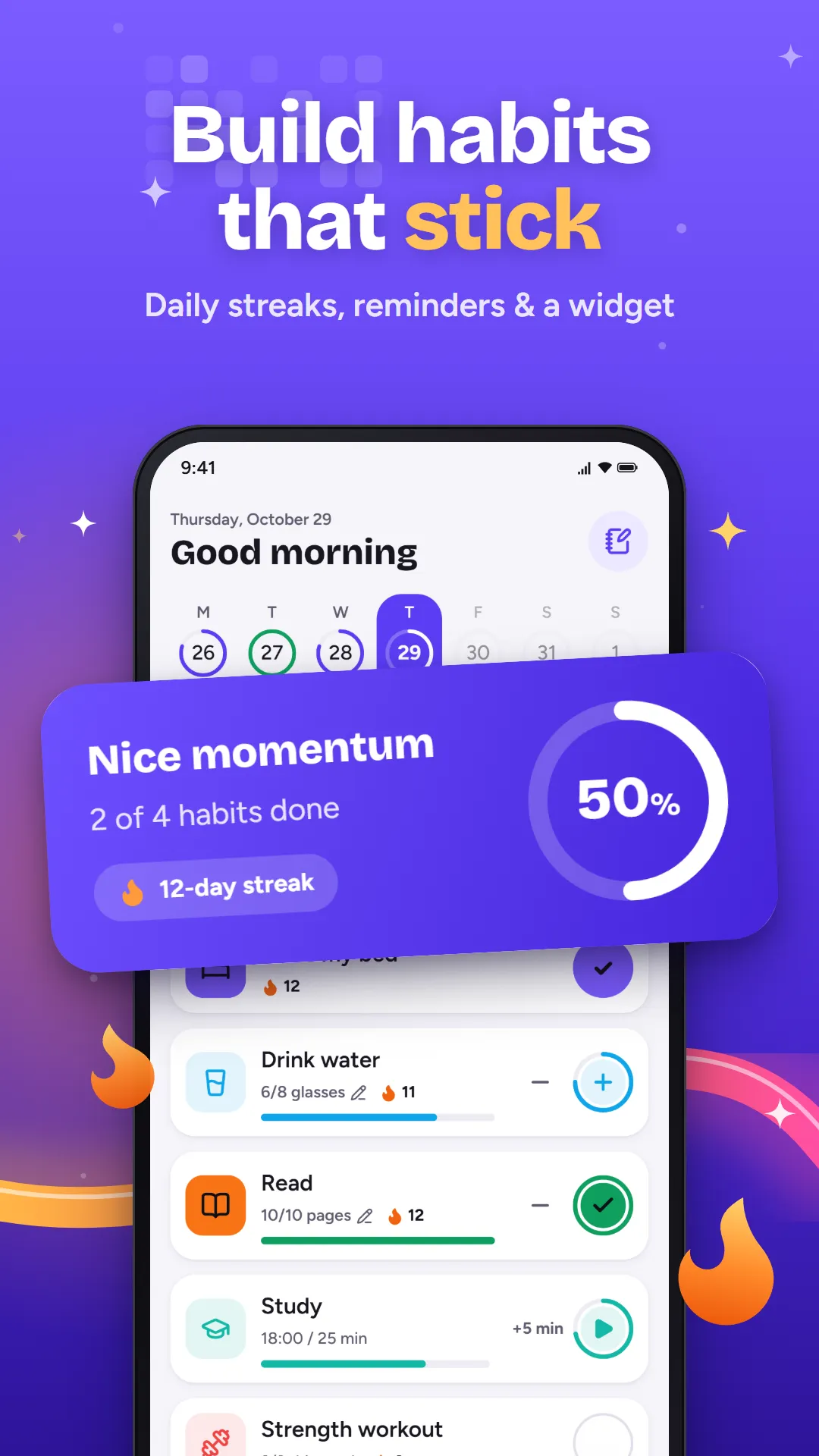
Build habits one small check-in at a time. Track yes/no, count and timed habits, keep your streak alive, and tick things off right from your home screen.
Coming soon to Google Play
- Category
- Productivity
- For
- Ages 13+
- Price
- Free, with ads
- Account
- Not needed
- Internet
- Not needed
Screenshots
What it does
Track any kind of habit
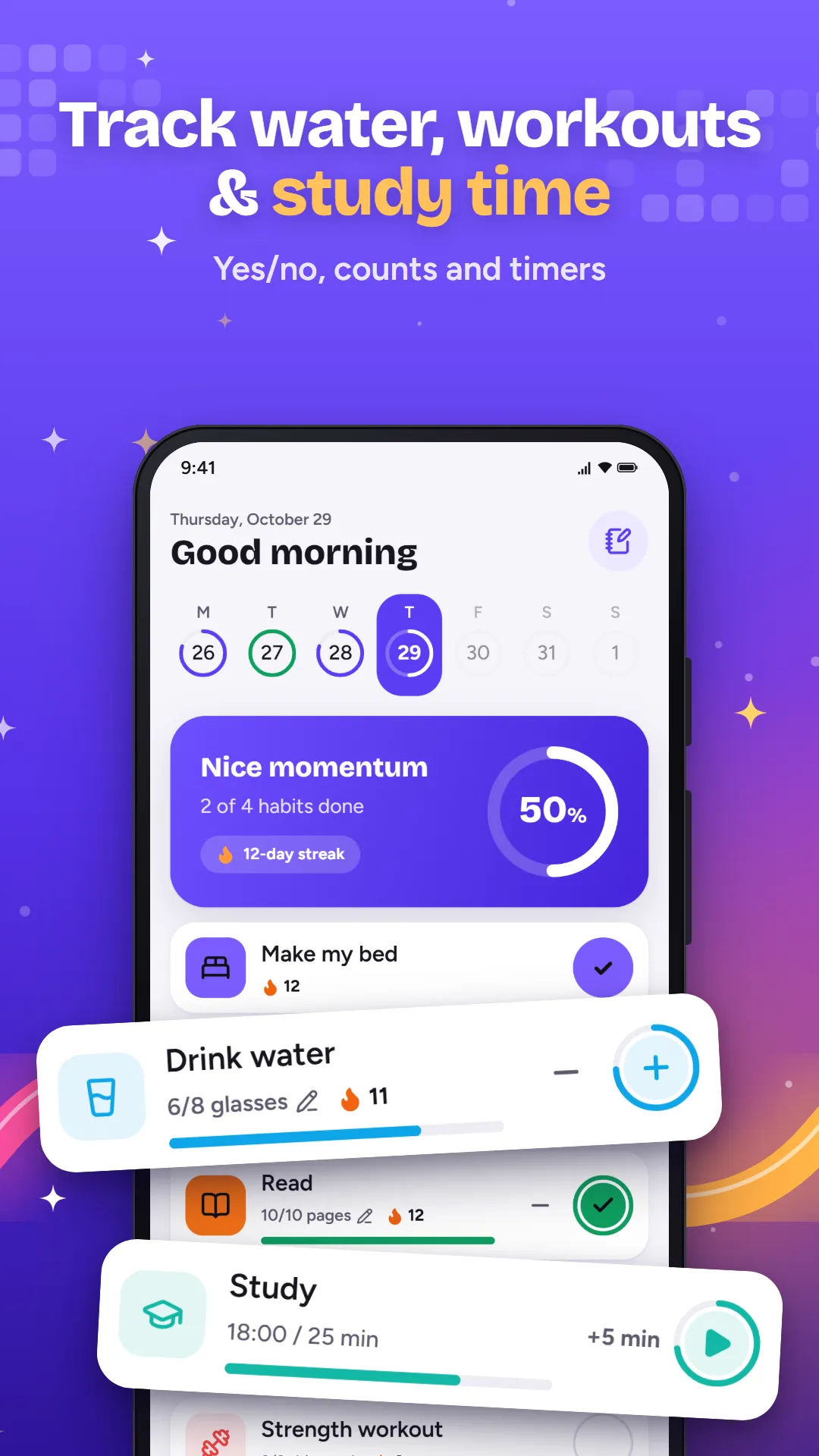
- Yes/no habits: meditate, read, make your bed
- Count habits: 8 glasses of water, 50 push-ups
- Timed habits: study for 25 minutes, stretch for 10
- Every day, a few times a week, or on chosen weekdays
Streaks that keep you going
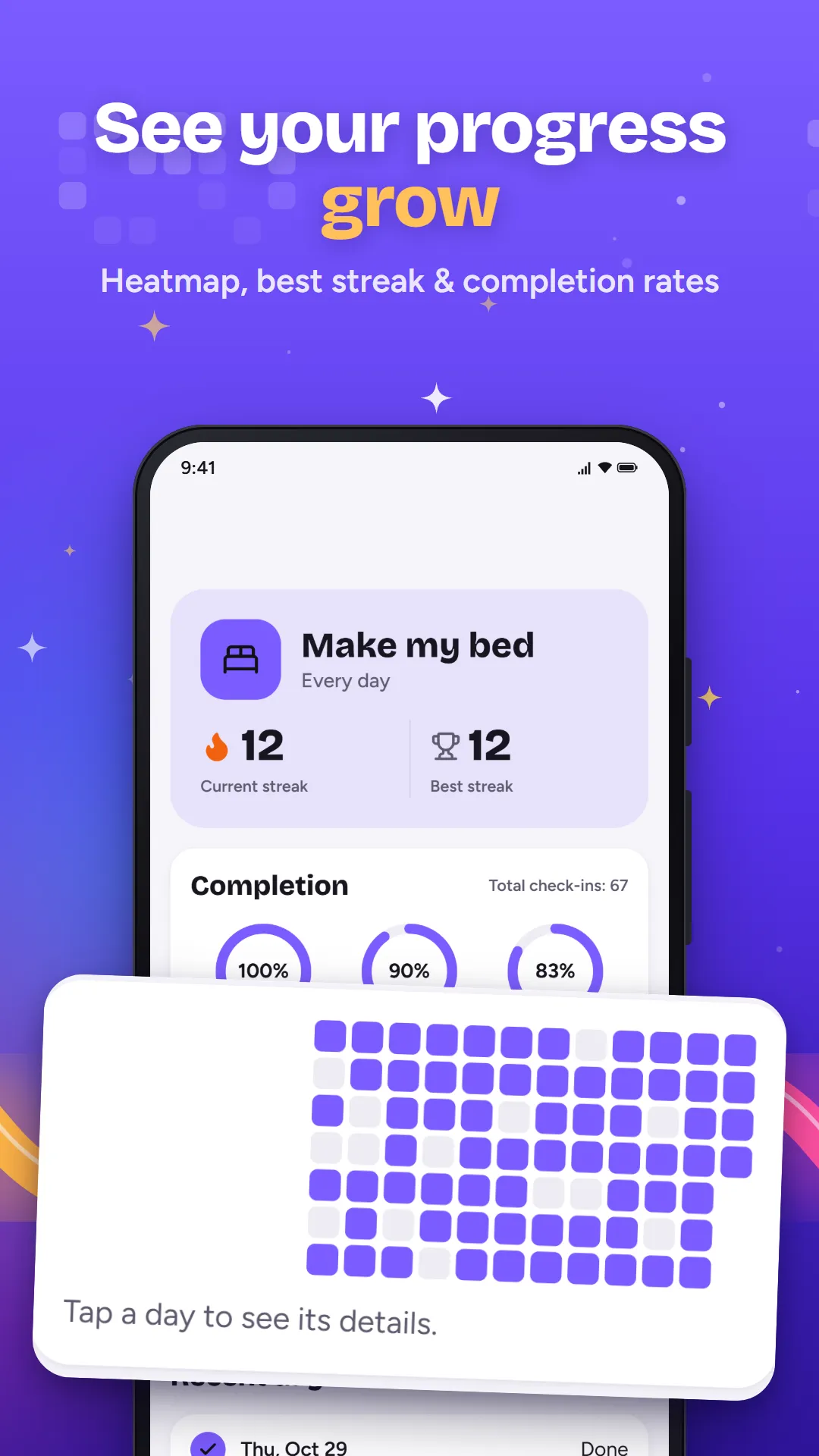
- Current and best streak for every habit
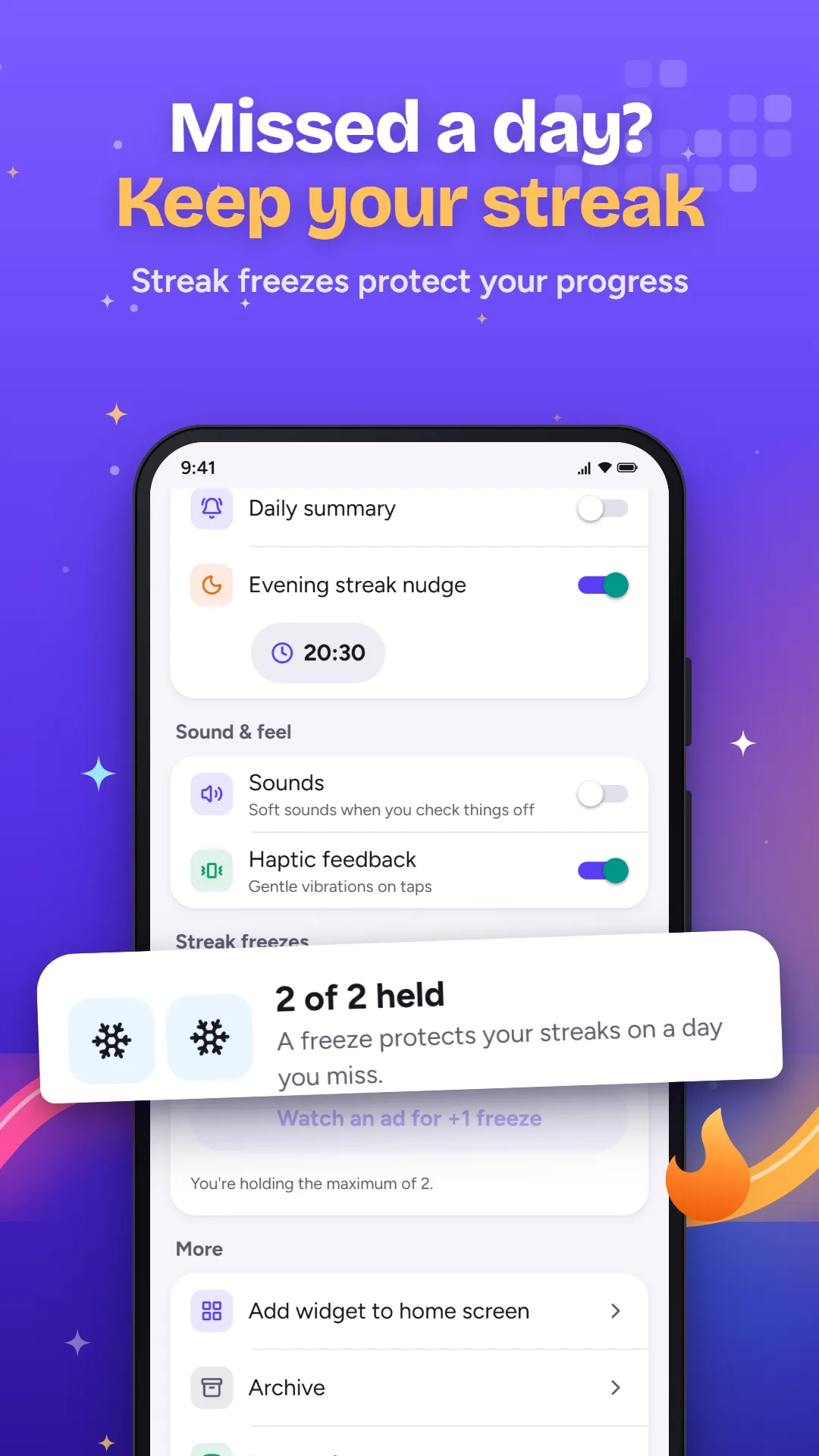
- Earn streak freezes to protect a streak on a busy day
- A small celebration on every check-in
Home screen widget
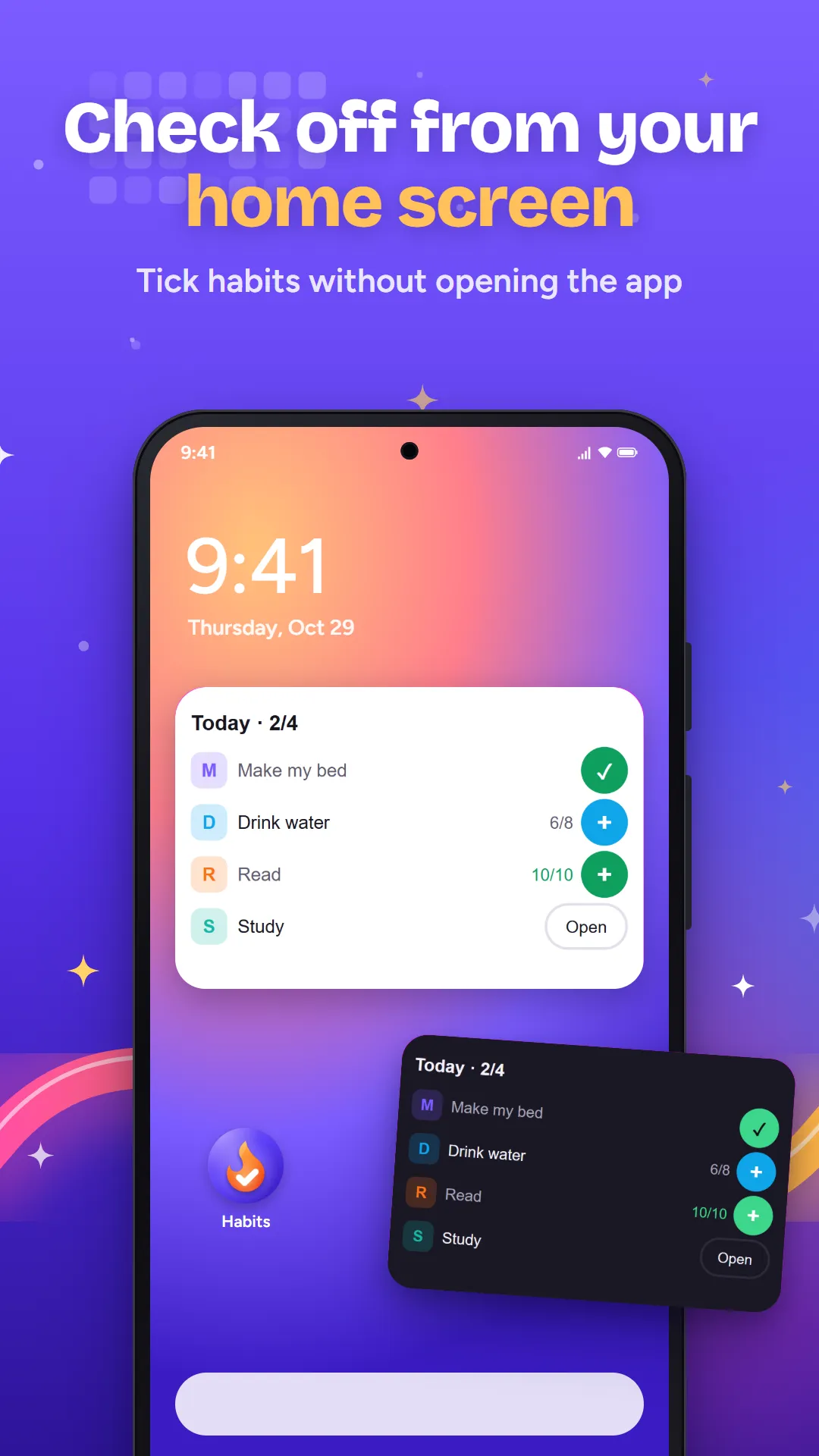
- See today’s habits and your streak at a glance
- Tick a habit or add +1 without opening the app
Progress you can see
- A heatmap calendar for each habit
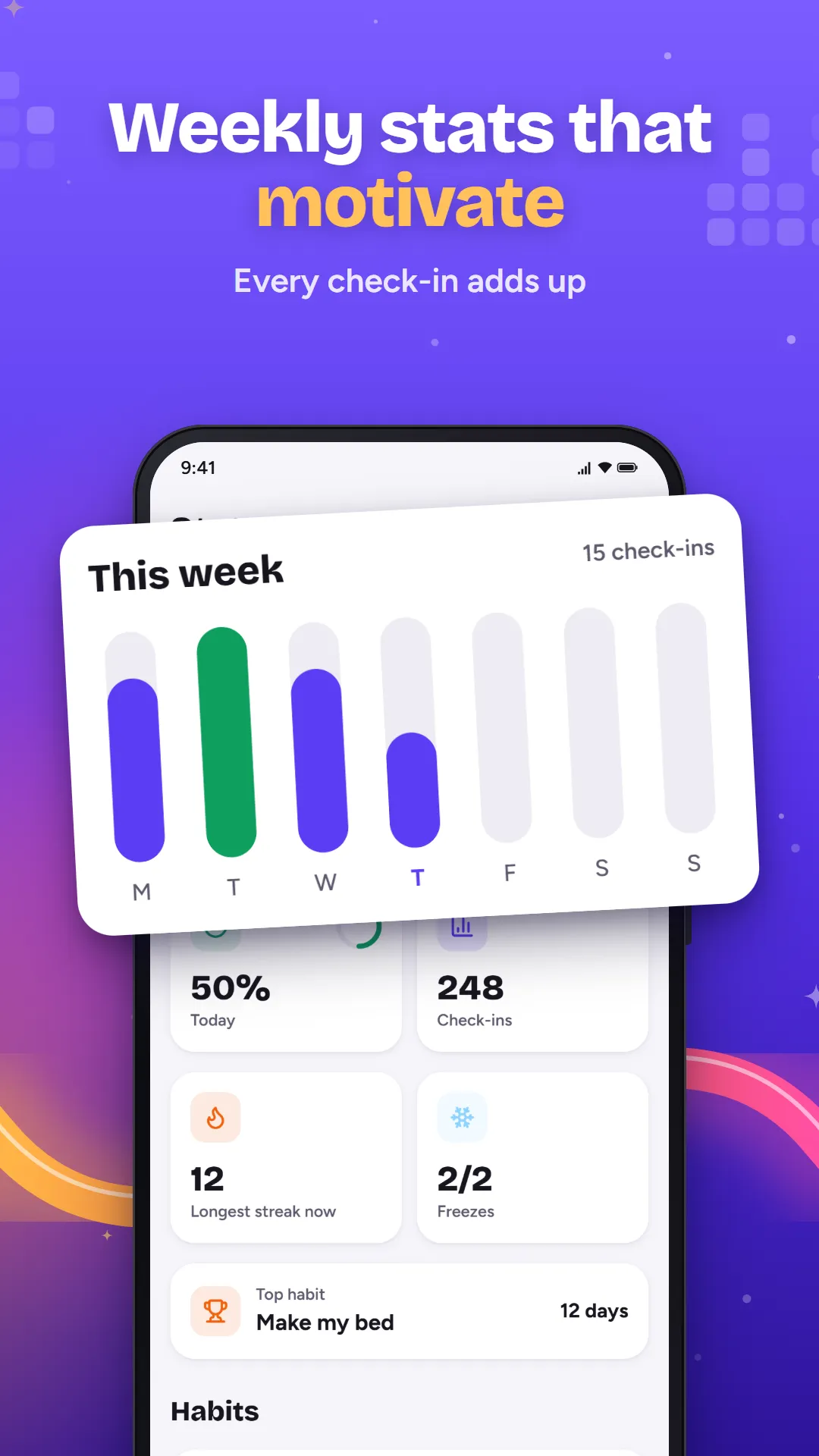
- Weekly and monthly completion rates
- A short note and mood for any day
Reminders on your terms
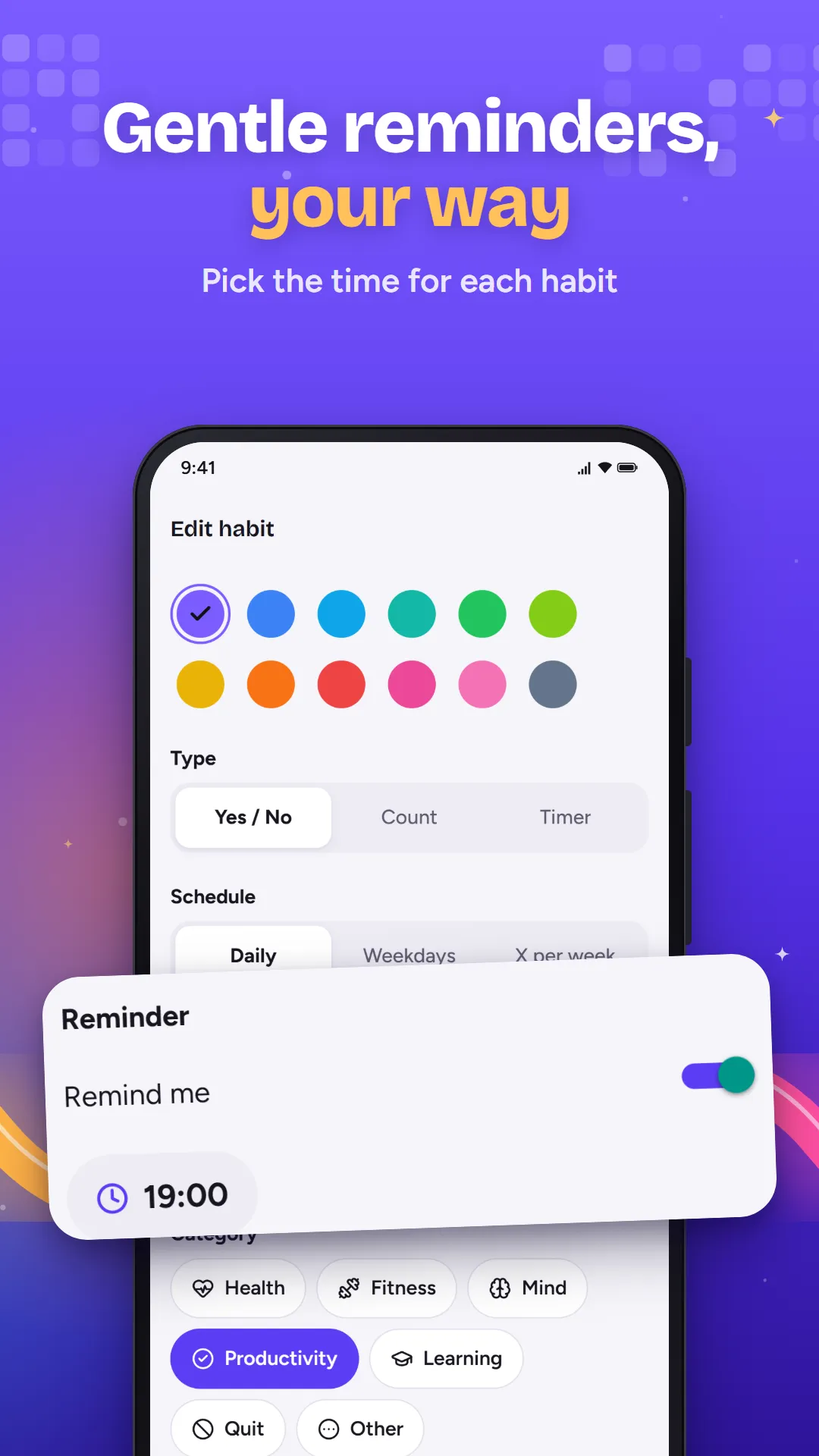
- A reminder time for each habit
- An optional evening nudge before a streak breaks
- You choose how many you get
Private by design
- No account and no cloud
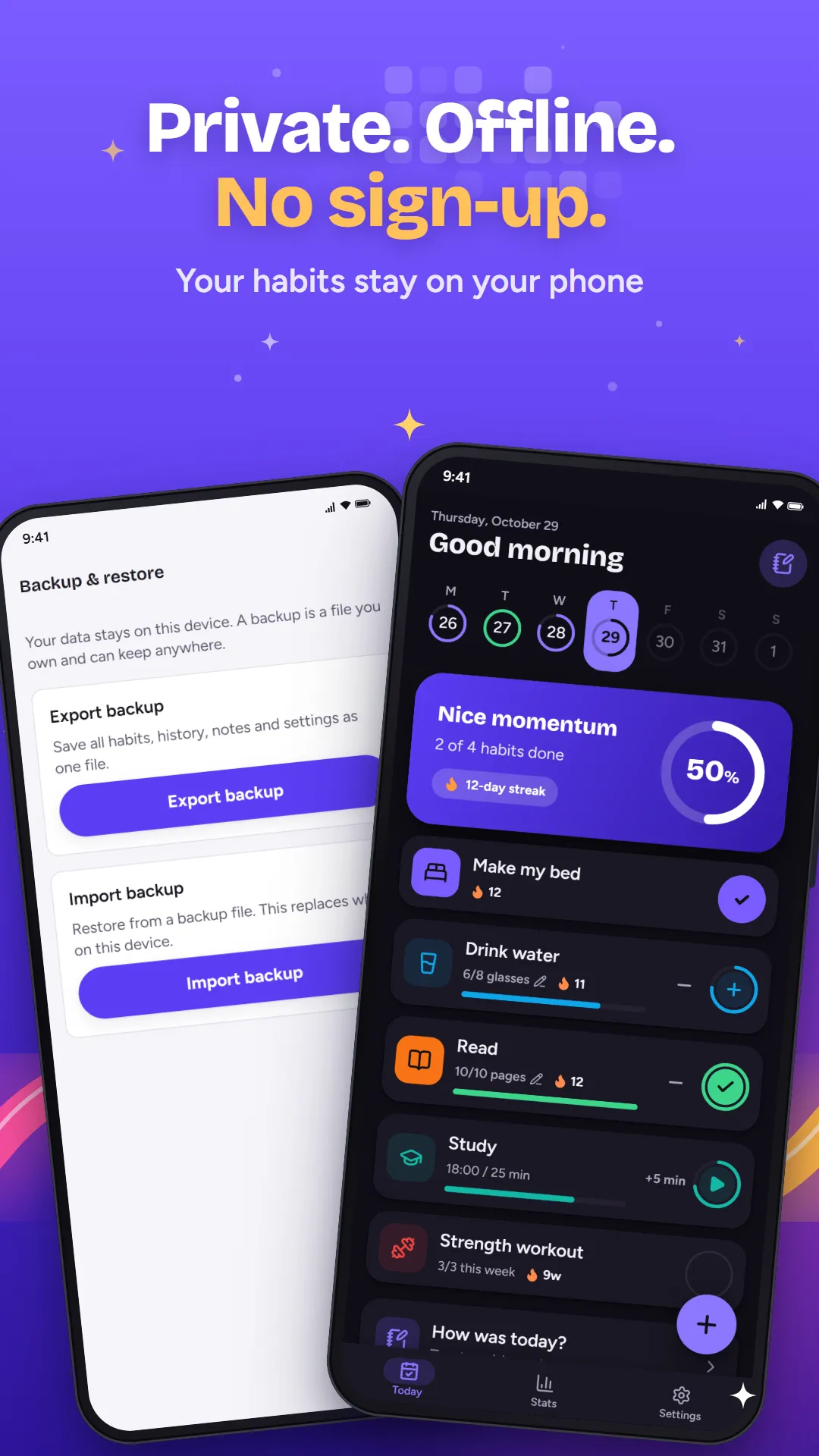
- Back up to a file and restore it on a new phone
Your privacy
- No account, no sign-in and no developer server.
- Your habits, check-ins and notes stay on your phone.
- Google AdMob shows ads and collects device data to do it. You can change your ad choices in Settings.
Help
How do I move my habits to a new phone?
Open Settings, then Backup & restore, and export a backup. Save the file somewhere you can reach from the new phone (Drive, email, a USB cable), then import it there from the same screen.
How do I add the widget?
Long-press an empty spot on your home screen, tap Widgets, find Habits and drag "Habits: Today" onto the screen. You can resize it to show more habits.
How do I delete all my data?
Everything lives on your phone, so uninstalling the app or clearing its storage in Android settings deletes it for good. There is nothing stored on a server.
Still stuck? Email tahaimran.24@gmail.com with your phone model and Android version.


