Sipling
Sipling: Drink Water Reminder
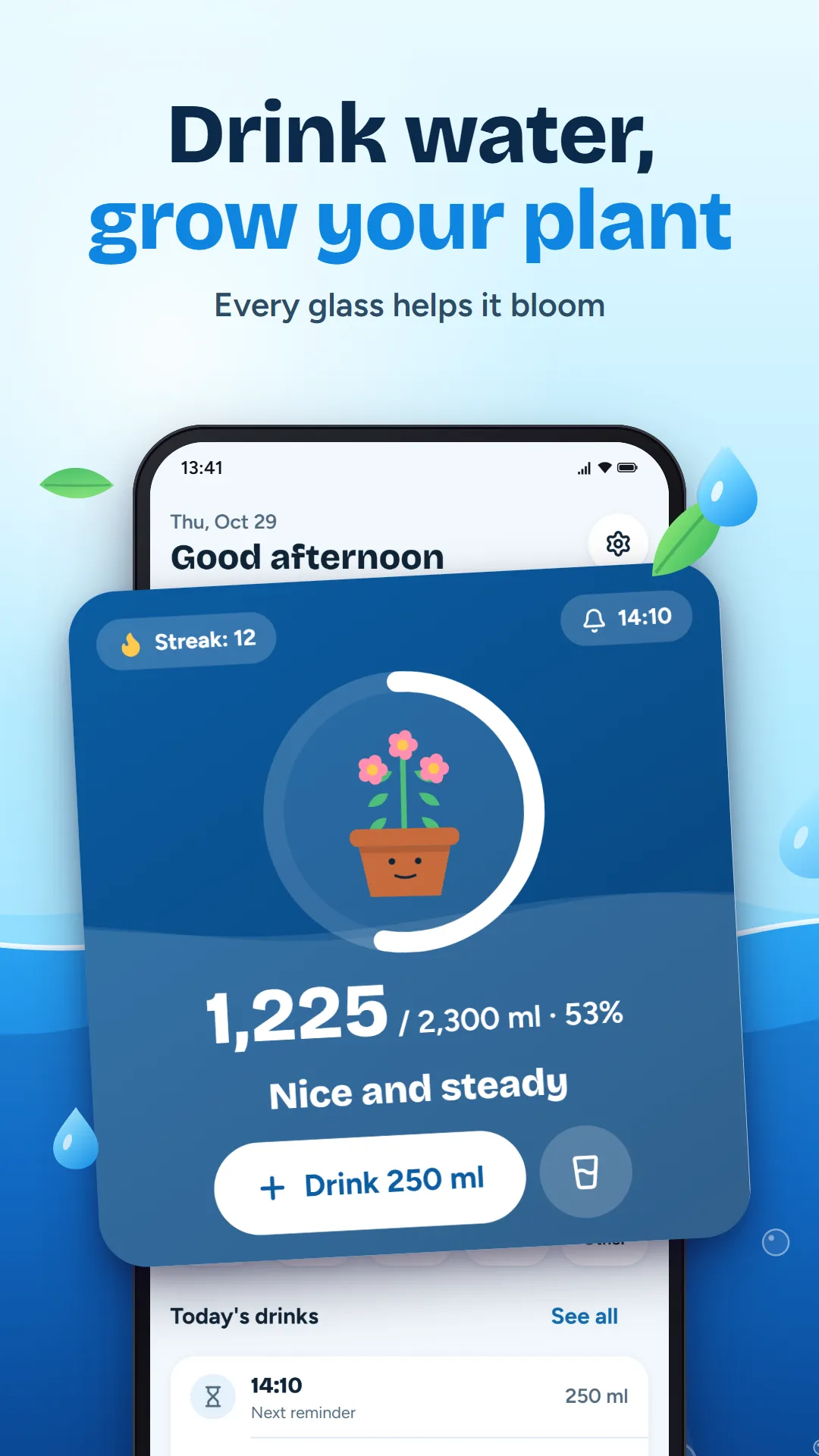
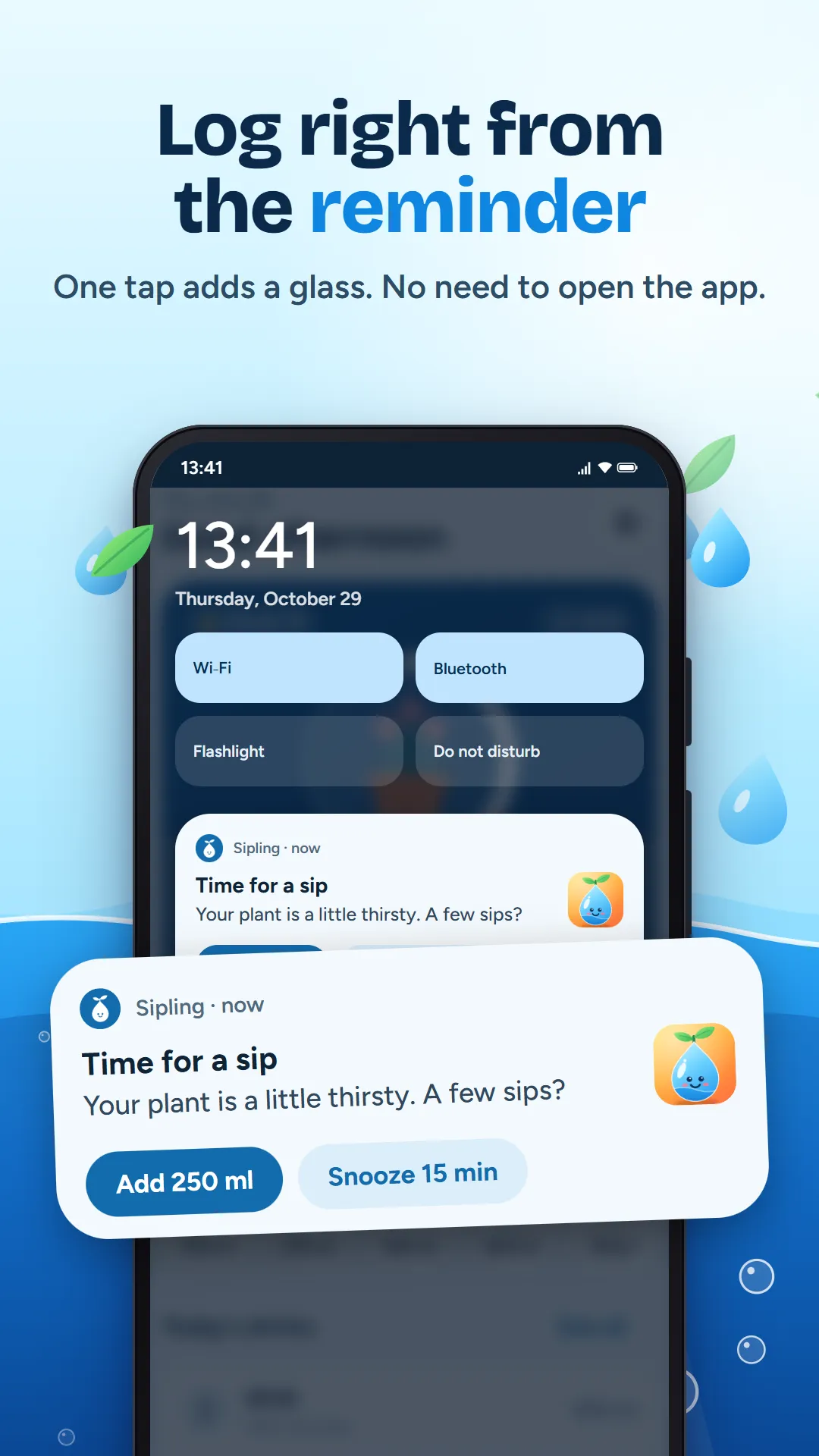
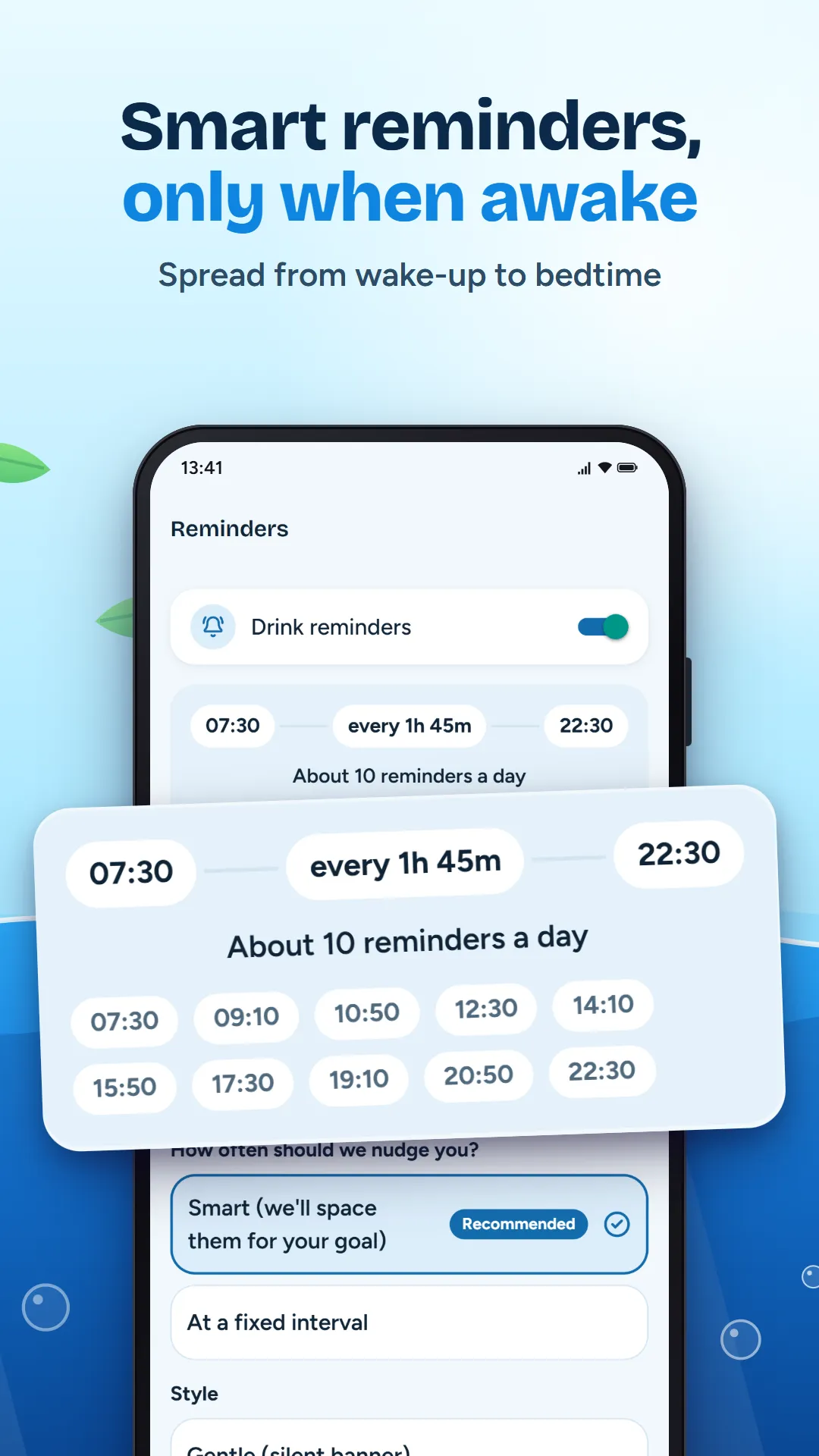
Every glass you log makes your plant a little happier. Sipling sets a daily water goal that fits you, reminds you only while you are awake, and lets you log a drink right from the notification.
Coming soon to Google Play
- Category
- Health & Fitness
- For
- Ages 13+
- Price
- Free, with ads
- Account
- Not needed
- Internet
- Not needed
Screenshots
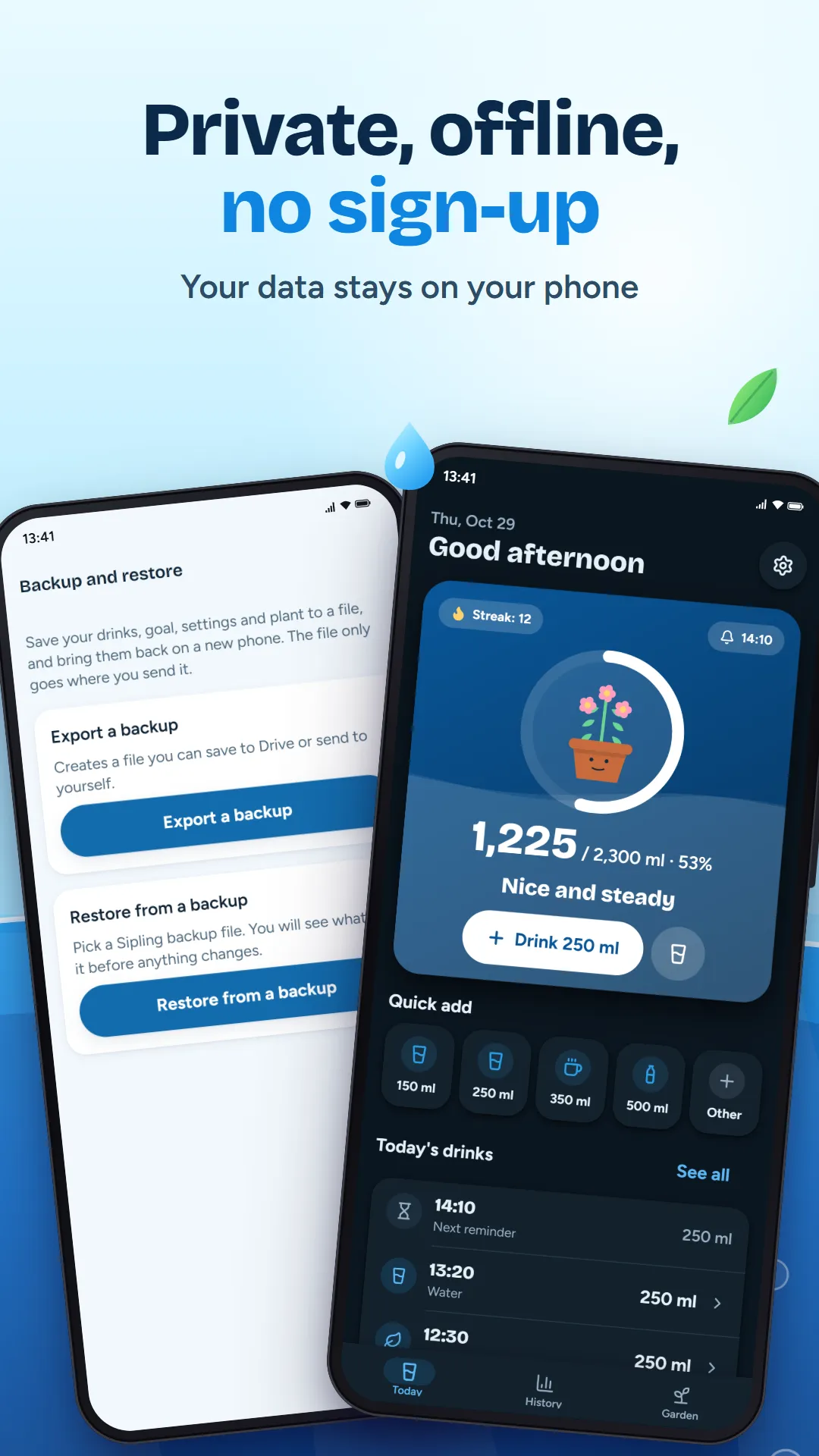
What it does
Reminders that fit your day
- Spaced between your wake-up and bed times
- Skipped when you have just had a drink
- "Add 250 ml" and "Snooze" right on the reminder
A goal made for you
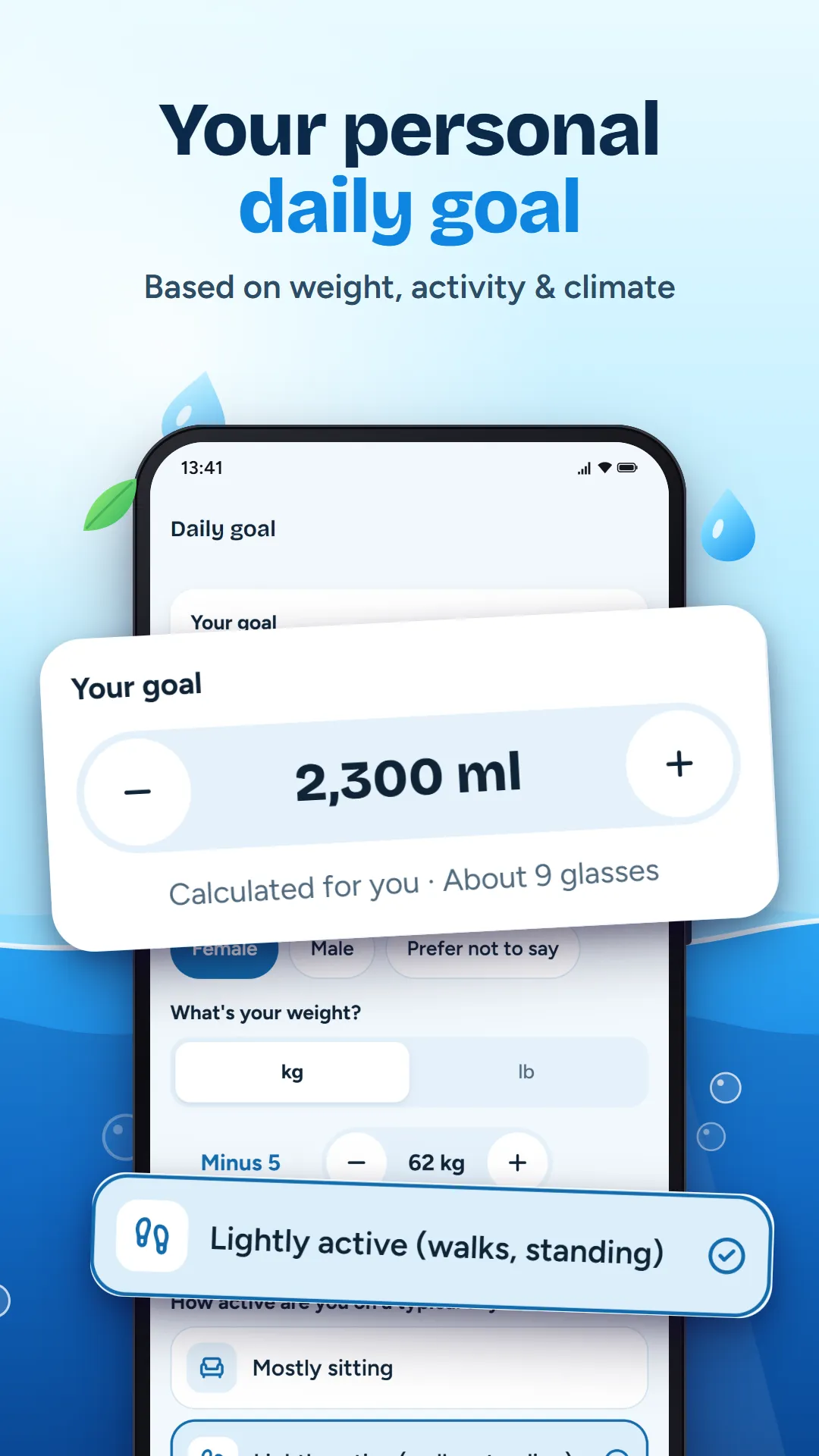
- A personal daily goal from your weight, activity and climate
- Set your own goal any time, in ml or fl oz
- A general wellness estimate, not medical advice
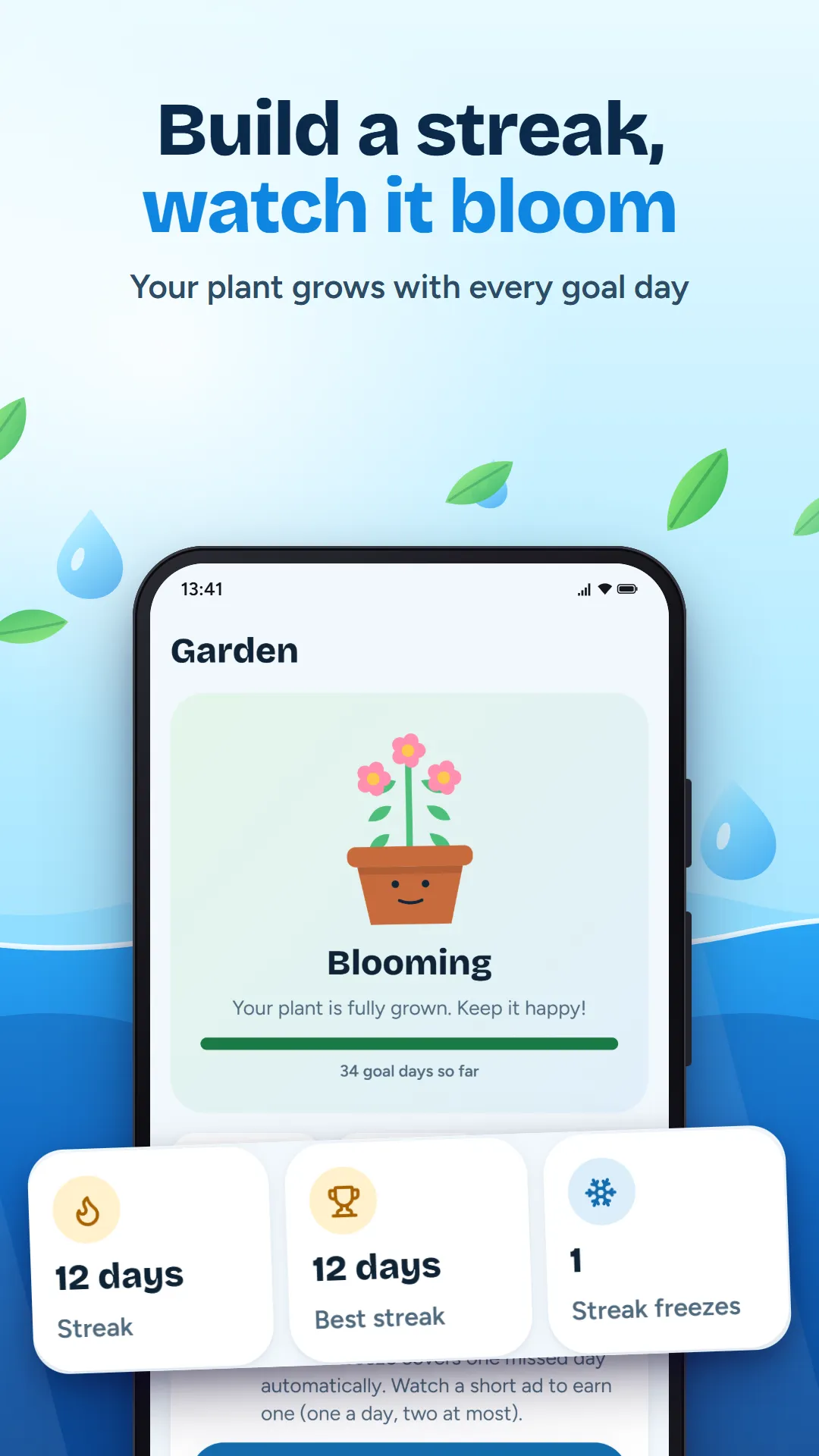
Watch your plant grow
- Reach your goal to grow it from a seed to a bloom
- Miss a day and it only droops a little. It never dies.
Quick logging
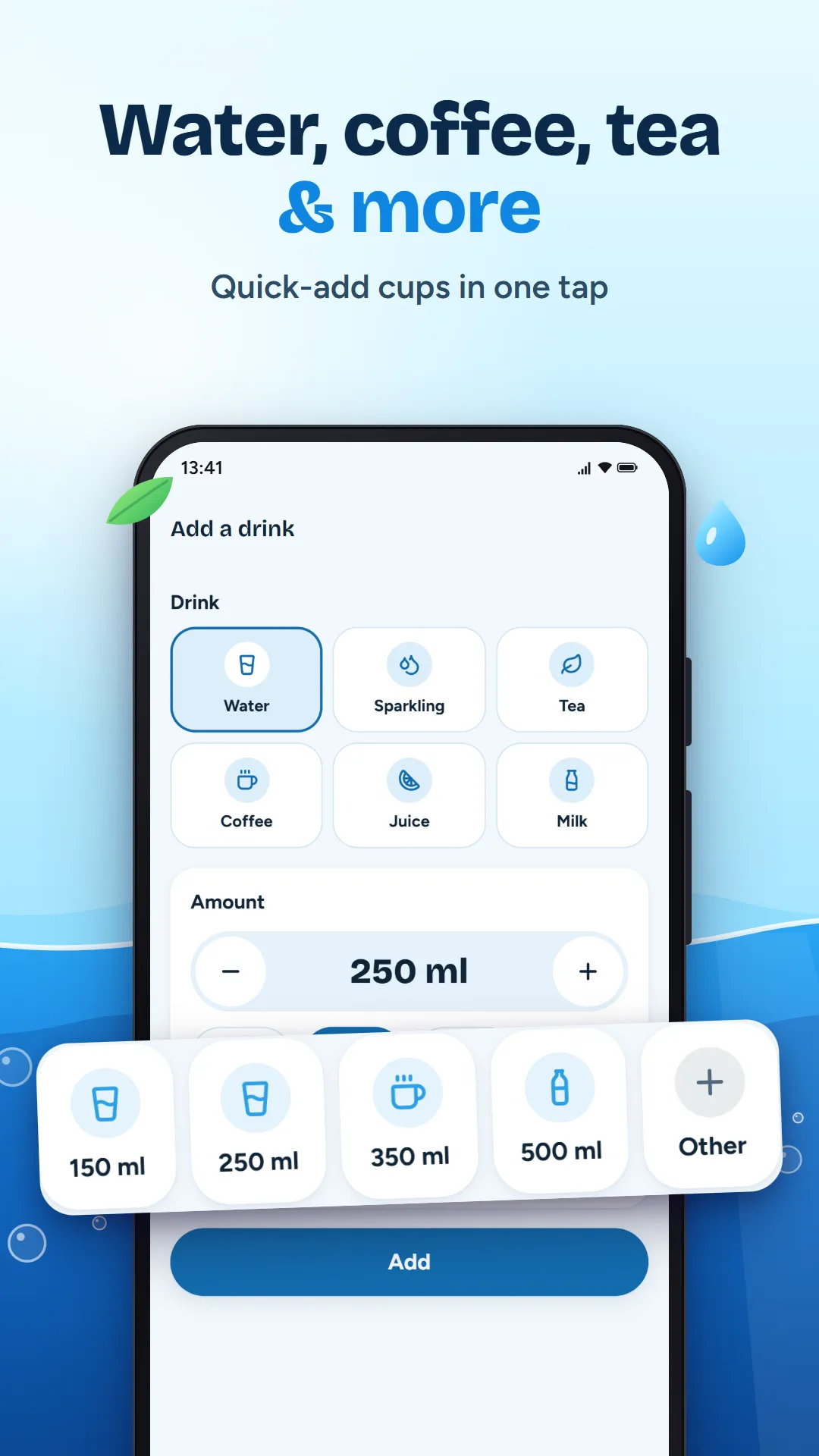
- Four cup sizes on the home screen
- Water, sparkling water, tea, coffee, juice and milk
- Undo within five seconds, or edit later
Streaks without stress
- Streak freezes protect a busy day
- Unlock new plant skins and cups as you go
History and charts
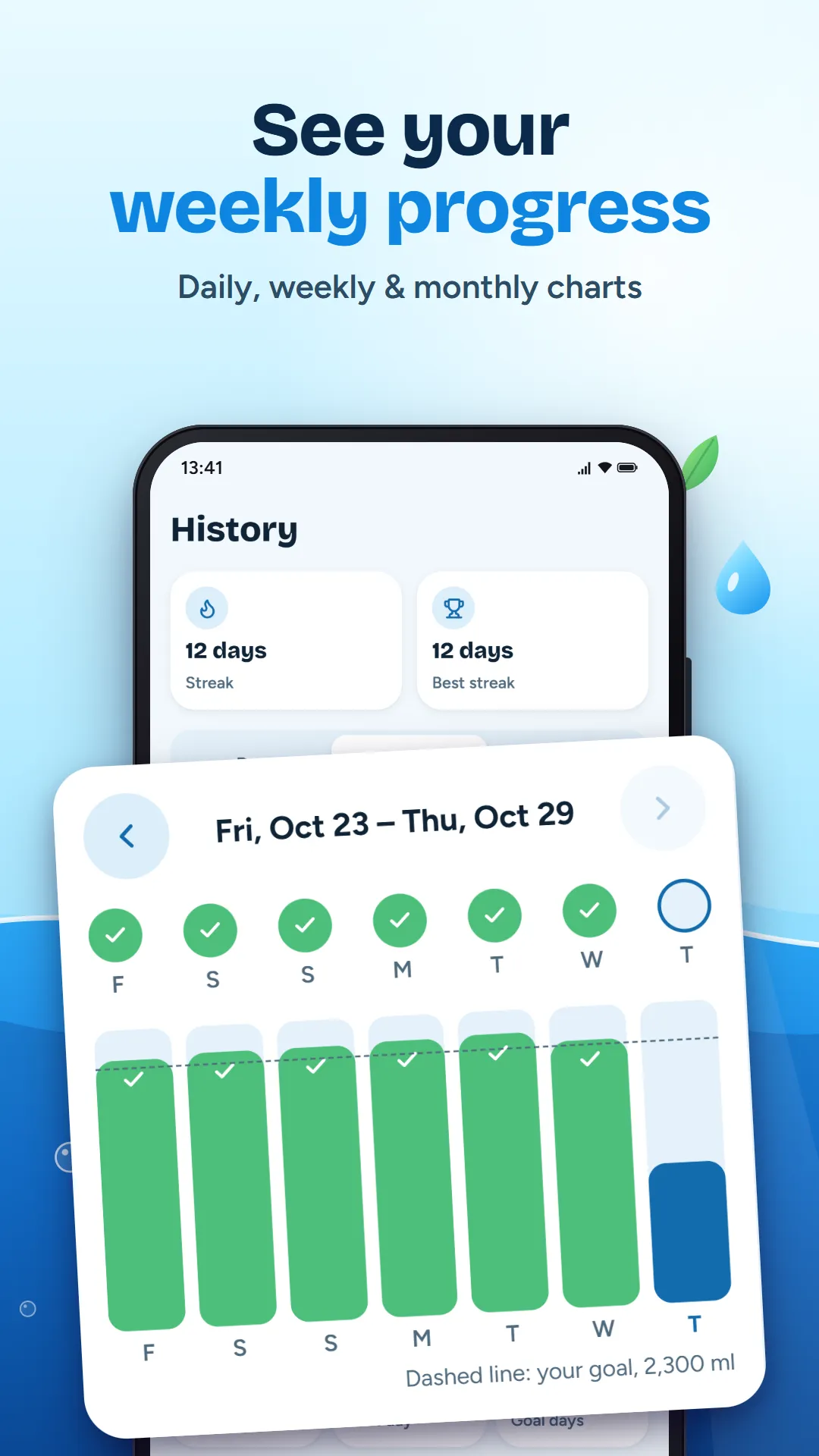
- Weekly and monthly charts with your goal line
- Dark mode, large text and TalkBack support
Your privacy
- No account, no sign-in and no developer server.
- Your water log, goal and weight stay on your phone.
- Google AdMob shows ads and collects device data to do it. You can change your ad choices in Settings.
Help
My reminders stopped arriving. What can I do?
Some phones (often Xiaomi, Samsung and OnePlus) pause apps to save battery. In Android settings, open Apps, then Sipling, then Battery, and allow it to run in the background. Also check that notifications for Sipling are on.
Why did a reminder not come right after I drank?
That is on purpose. When you log a drink shortly before a reminder is due, Sipling skips that reminder and waits for the next one.
How do I move my data to a new phone?
Open Settings, then Backup and restore, and export a backup. Restore that file on the new phone from the same screen.
Still stuck? Email tahaimran.24@gmail.com with your phone model and Android version.


